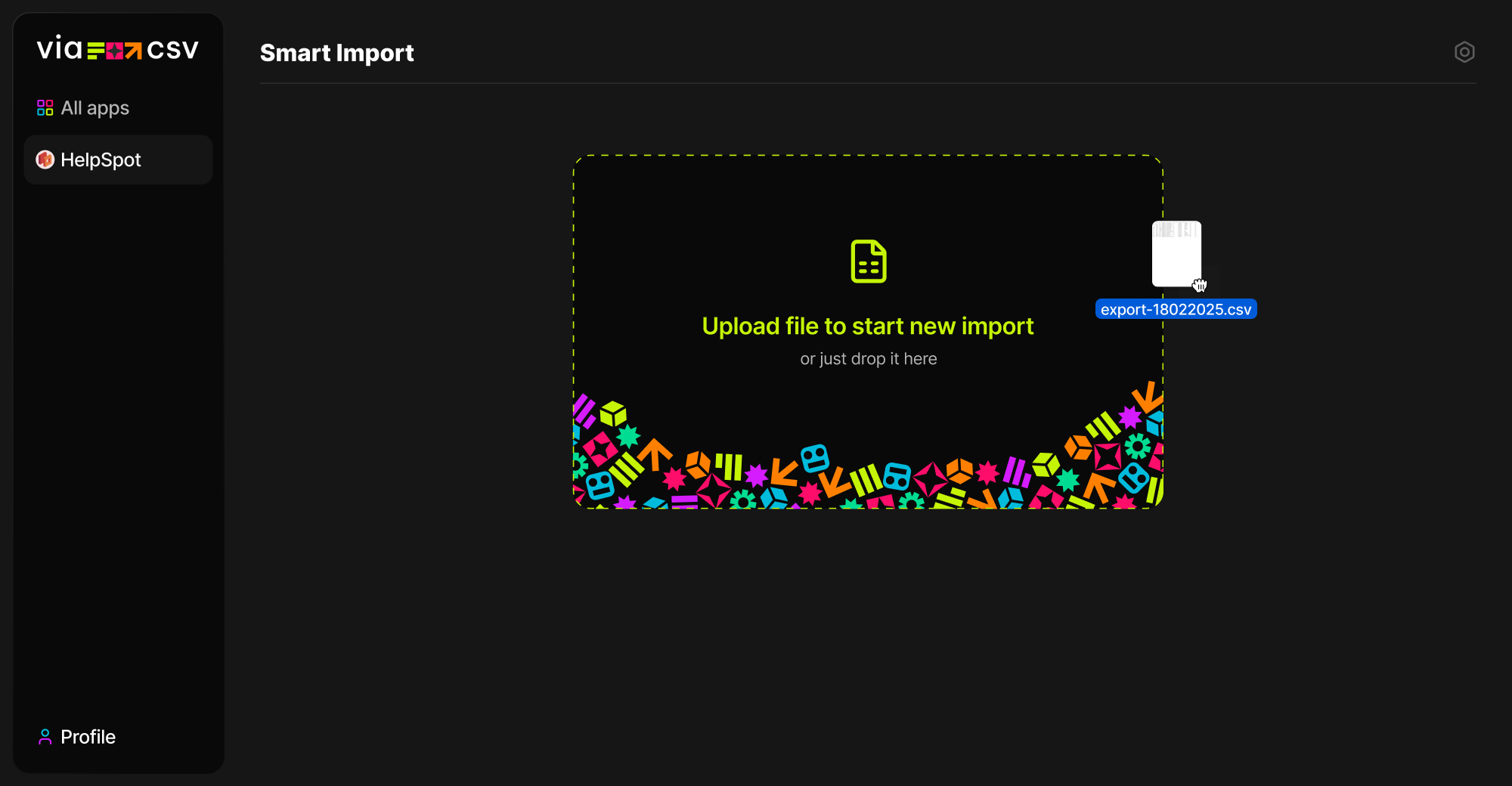
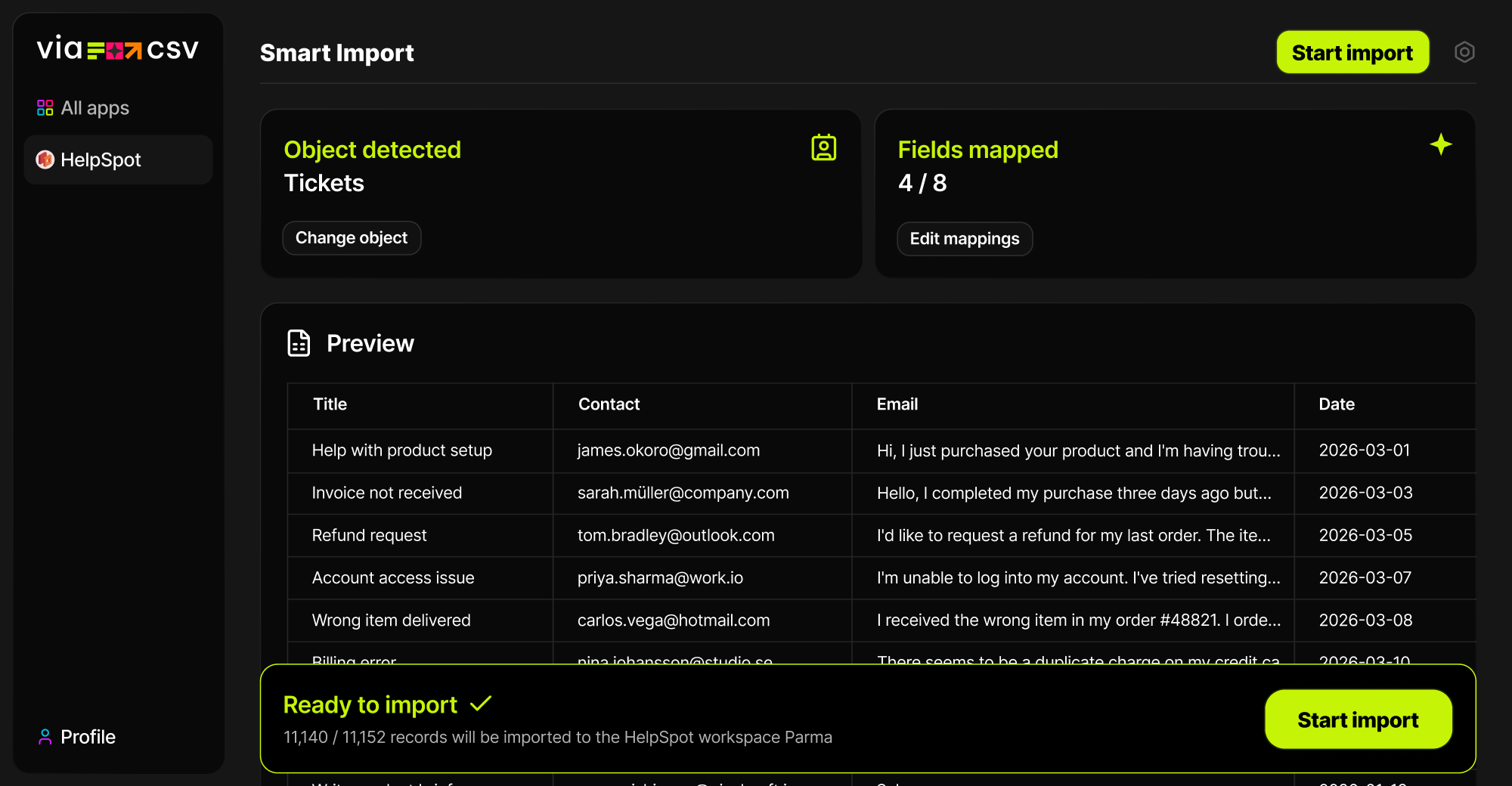
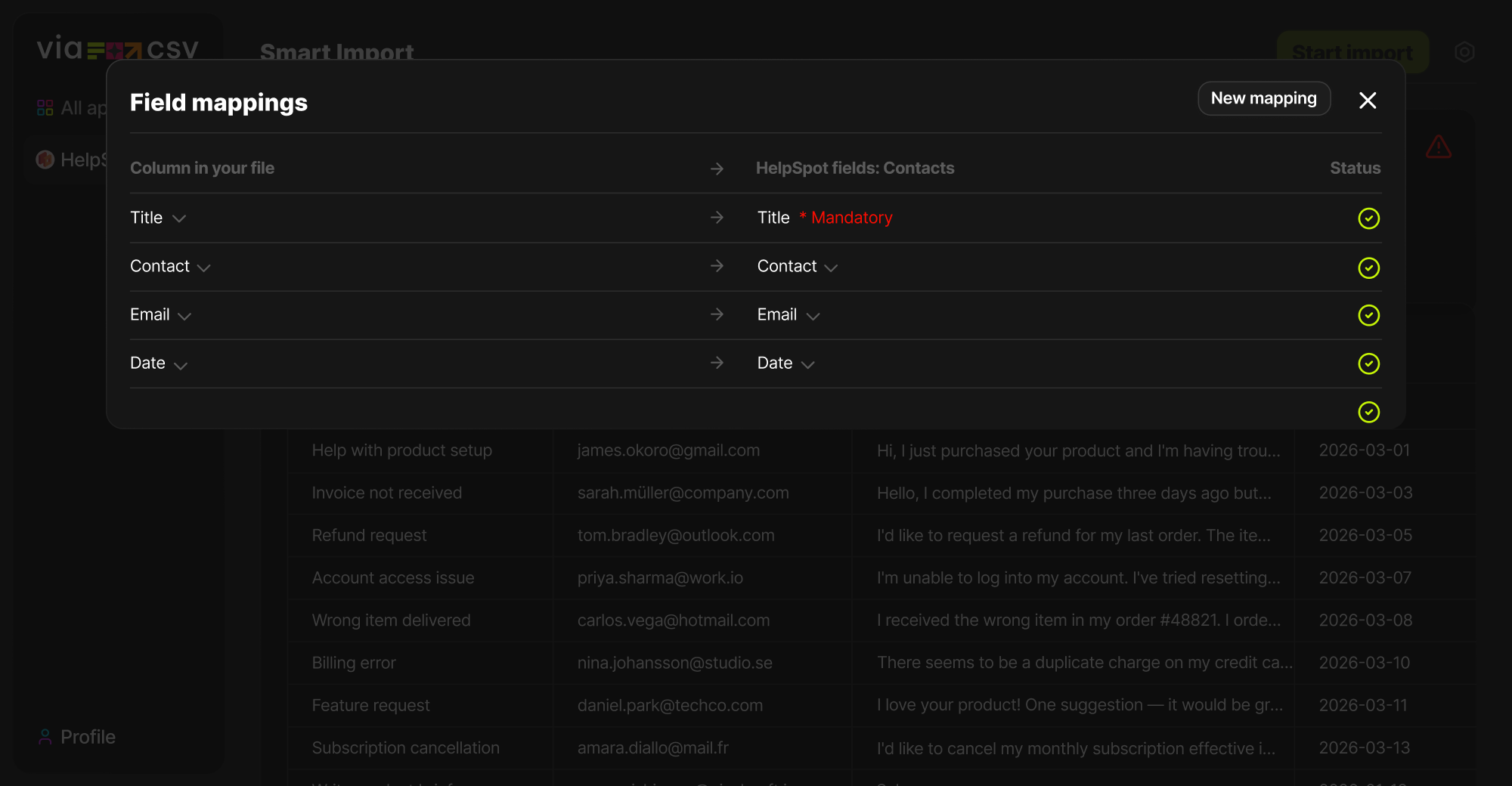
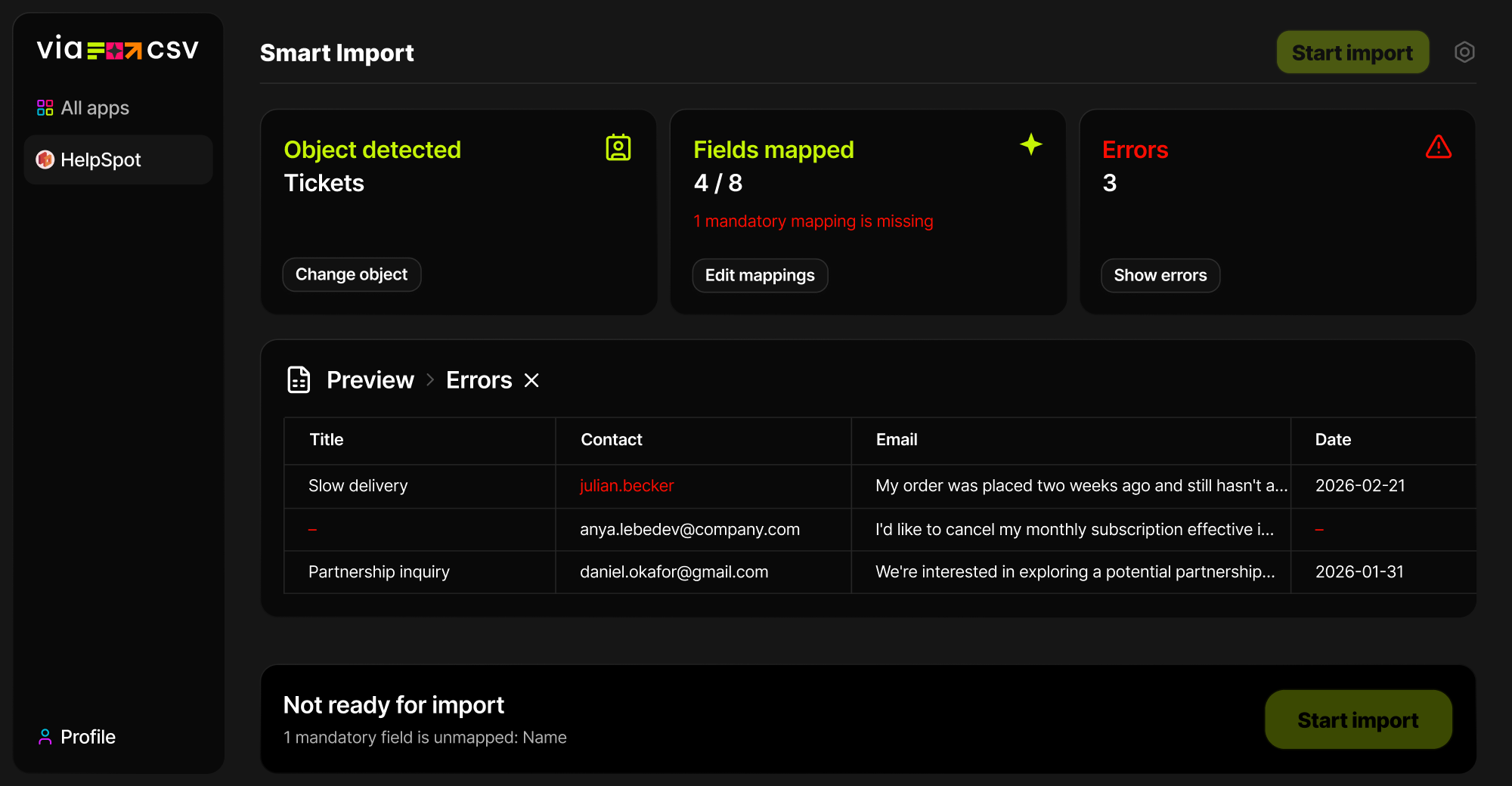
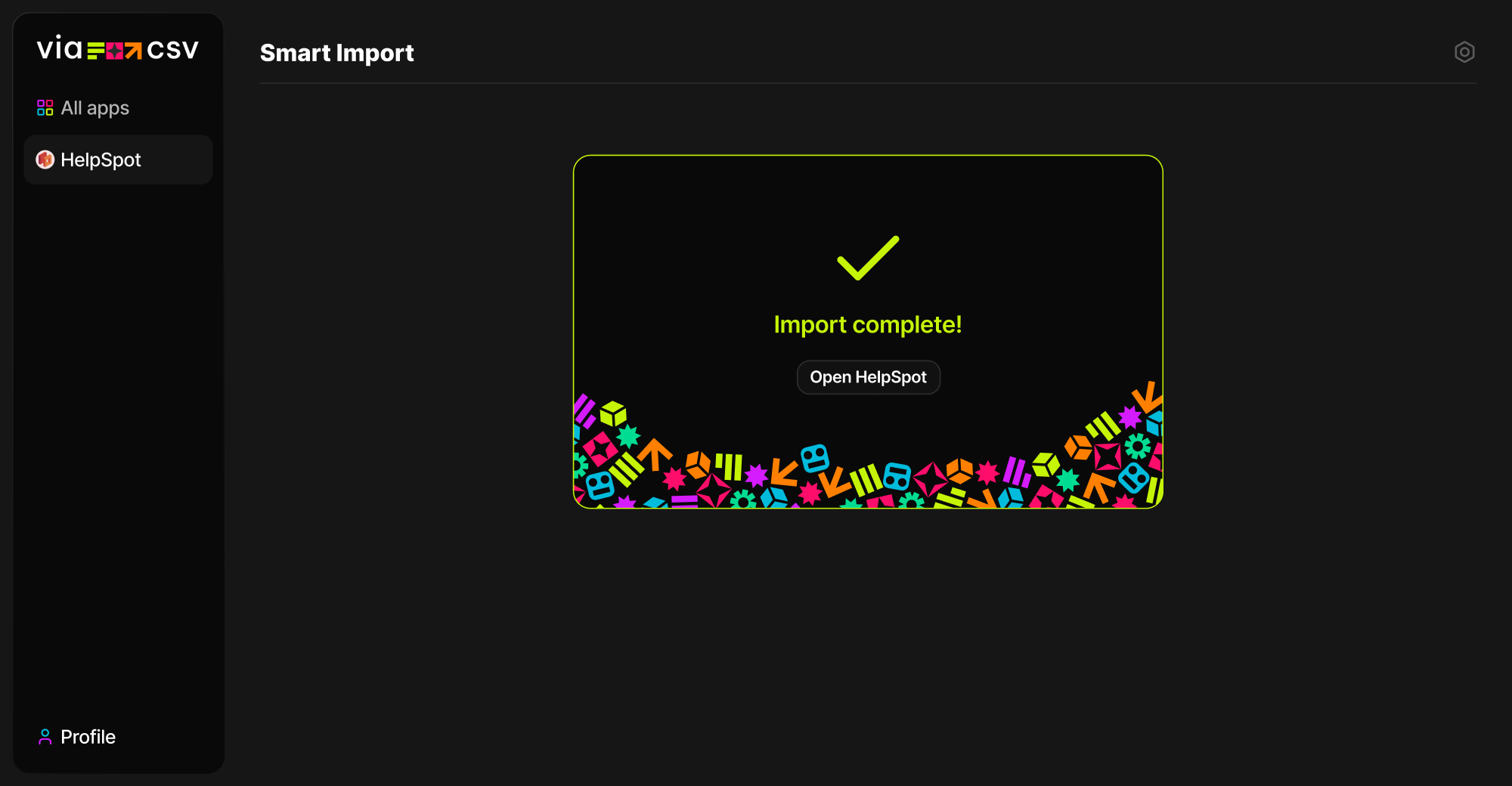
What used to take 2 hours now takes 2 minutes. Get back to work that matters.
Frequently Asked Questions
Why use ViaCSV instead of the native importer?
Native import works best when your file is already clean and perfectly structured. ViaCSV is built for real-world CSVs. It helps you map columns faster, clean up messy values, handle format issues, and review the import before anything is written.
Is ViaCSV free?
Yes. ViaCSV is free to use, so you can install it and run imports without an extra importer fee.
Can I revert the import if something goes wrong?
Yes. ViaCSV lets you revert an import, so if something goes wrong, you’re not stuck cleaning everything up manually.
Import smarter, not harder
Join teams who stopped fighting with spreadsheets.